
Choose a printable yoga journal you can fill out in a minute or two after class. Start with space for the lesson you tried, a cue you understood, one obstacle and what you will change next time. A practice note is useful when it helps you choose the next lesson.
Print one page before you commit
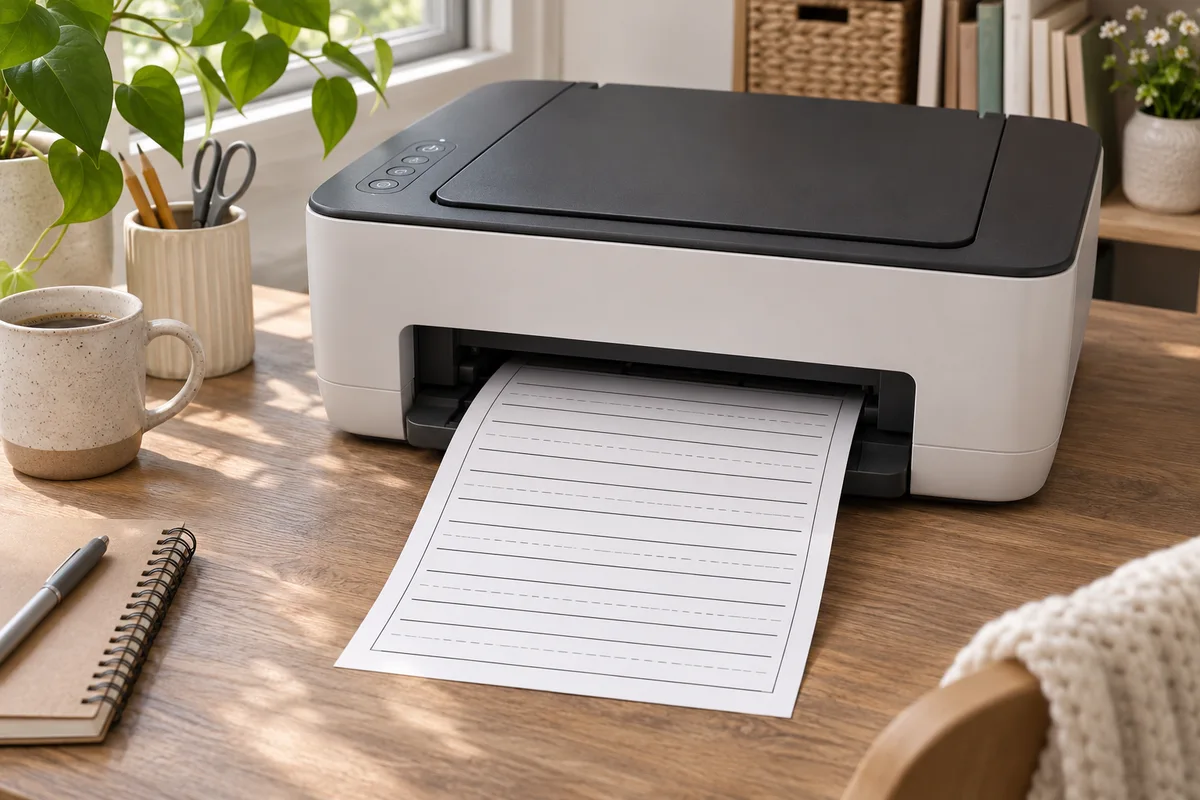
For US Letter, confirm the file has an 8.5 × 11 inch layout or a US Letter edition. Print a sample in black and white at the file's intended scale. Check that the labels are legible, the margins stay on the page and there is room to write. If you plan to use a tablet, check whether the PDF is fillable or whether you need an app that can mark up a static page.
Try this first-week layout
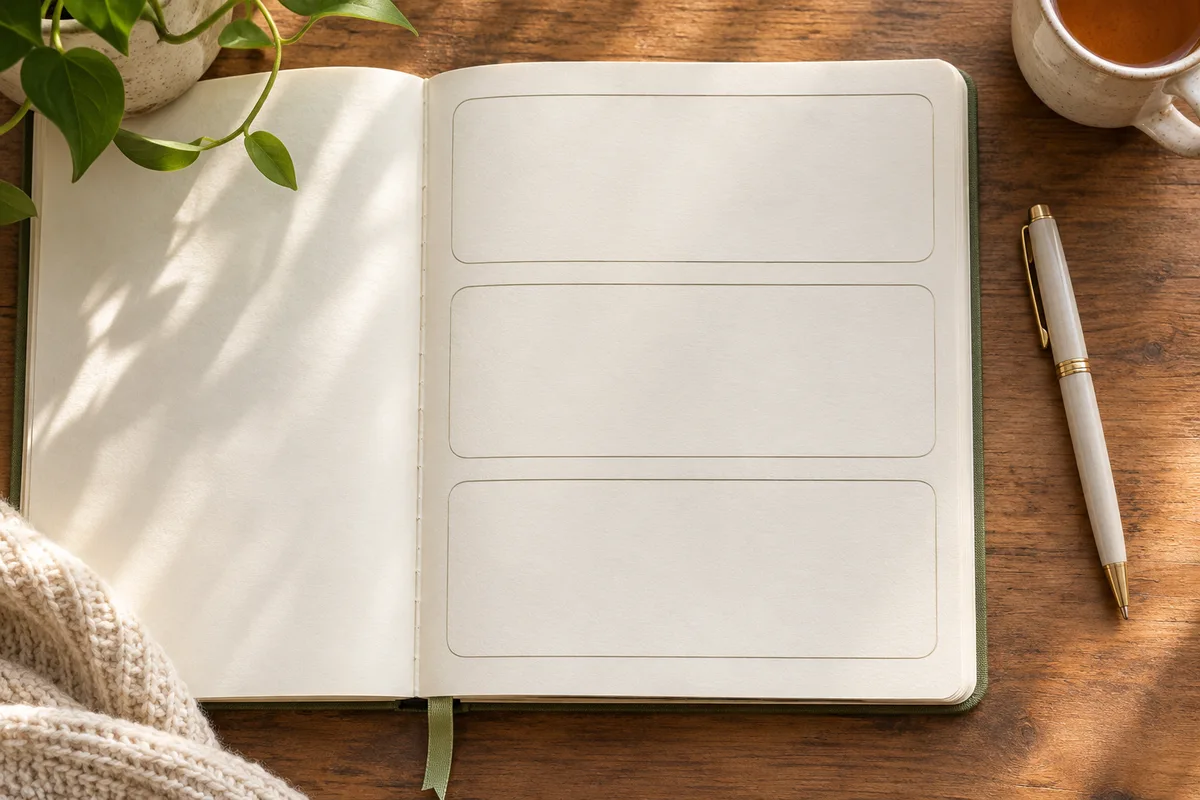
| Field | Example entry |
|---|---|
| Date and class | Tuesday, short seated beginner class |
| Cue I understood | Return to facing forward before the next movement |
| Where I paused | The instructor changed position while I was looking away |
| One change to try | Preview the transition before class |
| Next realistic time | Thursday, after closing my last work call |
At the end of the week, look for an obstacle you recorded more than once. If the screen was hard to see, change the screen position and keep the same lesson for your next attempt. If you kept missing the planned time, change the time and leave the rest of the setup familiar.
Choose the kind of page you will use
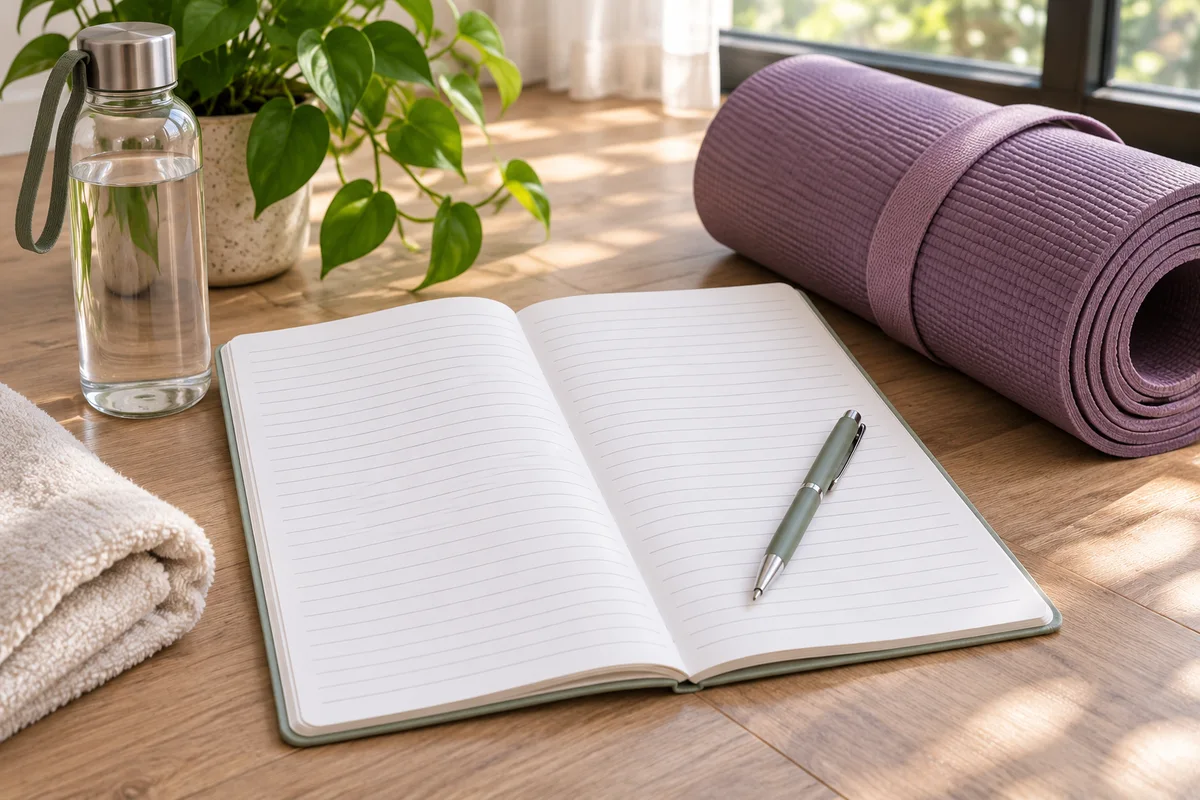
Think about when you would fill in the journal. If you write immediately after class, a short entry box might be enough. If you prefer to review a few sessions on Sunday, a weekly page with several rows may fit better. If you want to keep the notes close to your mat, a single sheet on a clipboard may be easier to use than a thick workbook. Try one page in the place where you would normally practice.
Daily and weekly layouts solve different problems
A daily page gives you room to describe a lesson and capture questions. It can help when you are following an introductory series and want to record what changed each day. A weekly page makes it easier to see two or three sessions together. If you tend to practice irregularly, choose a weekly page with undated entries. You can write on the same page even if the sessions happen on different days each week.
If you are choosing a template with both layouts, look for a simple way to print only the pages you want. Check whether the file includes a cover and instruction pages in the same document. Use the page range in your print dialog to run a sample. This lets you test how much ink and paper you actually need before printing the whole pack.
Decide what you want to remember
A useful practice note can describe the situation, a cue and a next action. “Saturday, seated lesson in the living room. I heard the cue to face forward. Next time I will move the device closer before I start.” That tells you what to repeat and what to adjust. If you write only the name of the class, you can find it later, but you might forget why you paused or why the setup worked.
Use the fields that help you choose your next session. If a template asks for measurements you do not want to track, leave them blank or choose a simpler page. If you want to record a question for a teacher, give it a distinct line so you can find it before the next class. A date and a lesson name help you remember where the question came from.
Test the file before printing a stack
Check page size, scale and margins
In the print preview, choose US Letter if that is the paper you use. See whether the edges of the layout appear on the page and whether the writing area remains large enough. If the file offers US Letter and A4 versions, open the matching file first. If you need to scale it, print a single test page and check how the text and lines look at that size.
Use the pen you normally write with. Fill out a real entry and see whether you have room for a complete sentence. A beautiful template may be hard to use if its boxes are small. For a page that uses a light background or thin rules, try grayscale. Check whether the lines and labels remain visible. If you plan to keep the page in a binder, make sure a hole punch will leave the writing area usable.
Compare a printable with a fillable version
A printable PDF may be intended for pen and paper. A fillable PDF may include fields you can type into, and a static PDF can sometimes be annotated in a separate app. Before buying a digital version, check what the seller provides and whether the file works on your device. Open the preview, see whether you can enter a sample line and test how you would save a fresh copy for the following week.
If you use the journal on a shared device, decide where you want to store it. A plain paper page can stay with your practice materials. A digital copy can be easier to search later. Choose the format you will remember to use when the class ends.
Try a three-session experiment
Use the same page for three attempts. After each, write the date, lesson and one useful observation. End with a change you can try. If you missed a session, you can record what happened if it helps you plan. “No room after work because the table was in use” points to a different next step than “I did not know which lesson to open.”
At the end, read the three notes together. Circle one problem you can change. If it was hard to hear the teacher, check audio before the next class. If the time was unrealistic, try a different window. If you enjoyed the class and can remember how to open it, keep that part of the plan. You can use a blank weekly page again with the same fields and compare whether the change helped.
Check the offer before buying
Look for a page preview, paper sizes, instructions and whether the file is a one-time download or part of a subscription. Confirm whether personal printing is included and how you receive the file. Check the price and refund terms. If the seller does not show a sample, ask which fields appear on the page and whether there is a low-ink option before deciding.
You can try the sample layout above in your own notebook first. If writing a short note helps, decide whether a printable would save setup time or make it easier to find old entries. If you need more room than the sample provides, choose a layout with a full-width note area or keep your own blank sheet.
Try the same layout before and after a class
Before the session, write the name of the class and one thing you want to learn. For example, you might want to understand where the teacher asks you to return after a movement. After class, write the cue you heard and what you would do with it next time. Use those two entries to see whether the page helps you connect the start of the session with what happened.
If you practice in different places, try one entry from each. A living-room session may leave room for a notebook, while a short office break may fit a single line written later. Check whether a printable needs to travel with you or can stay with your home practice materials. You can keep separate notes for different settings if you want to compare them at the end of the week.
Check how you will find an older entry
Date every page and put the most recent one in a familiar spot. If you save the file on a device, choose a name that includes the week. The next time you open a class, see whether you can find the earlier note without searching through several unrelated documents. If you want a journal for a specific course, add the lesson number next to the date so you can find the same class again.
Compare how much setup the system asks of you. A new sheet every week can be convenient if the layout stays useful. If your notes fit in three lines, an undated page with repeated entries may be enough. Try that simpler format with a sample before buying a larger workbook.
Questions and answers
Do I need a page for every day?
A weekly page can work if you practice only a few times. Pick a layout with enough room for the entries you expect to make.
Do I have to record flexibility or other measurements?
You can track whether the lesson was clear, whether the setup worked and what you want to repeat.
Can I use a regular notebook?
Yes. Try the fields above in a notebook before choosing a printable. Buy a template only if the format makes the notes easier to use.