
The best yoga app for your first week is one that lets you find a class you can follow in the time you have. Start by checking whether an app has a beginner lesson at a usable pace. Then try the opening and one transition before committing to a subscription. A searchable library, a customizable session and a structured course solve different problems.
Decide what you want the app to do
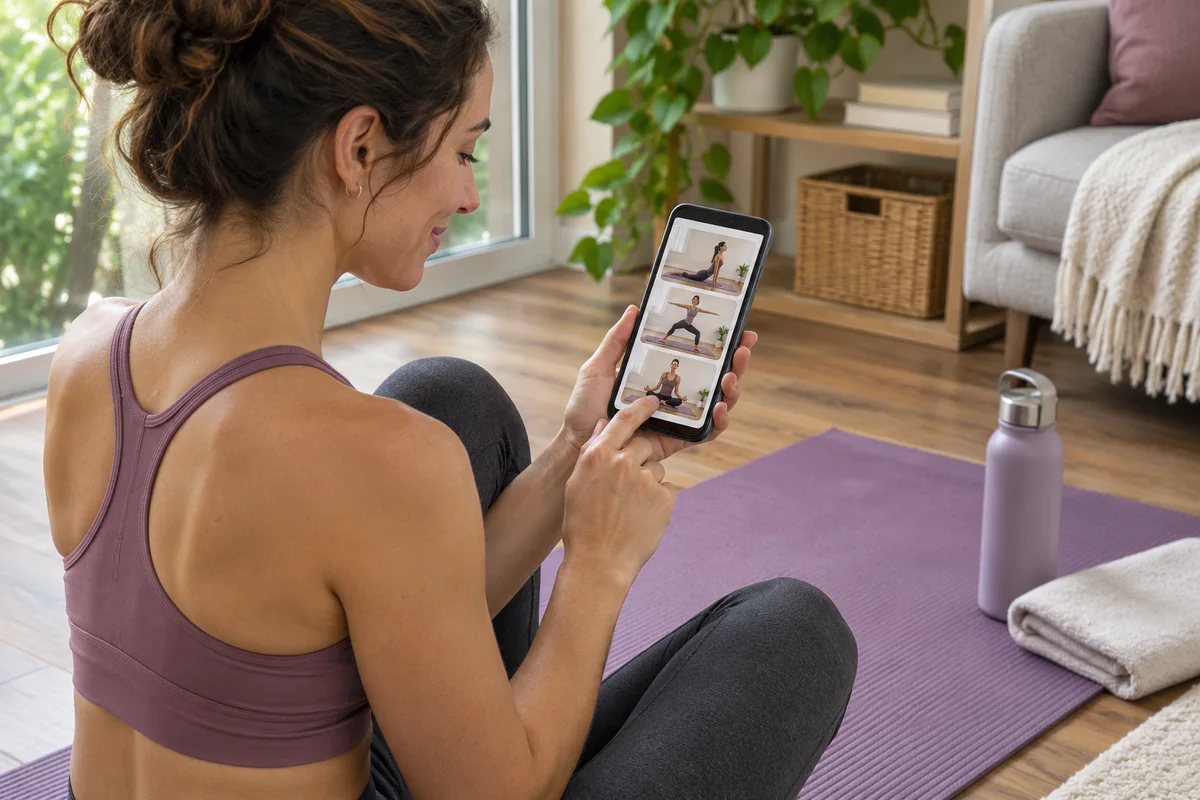
If you have a different amount of time each day, look for a way to choose class length before you start. If you prefer to repeat the same lesson, see whether you can save it and find it again. If your first question is what to do after lesson one, look for a clearly ordered beginner series. Write down the one feature that would remove the biggest obstacle before comparing the apps.
If you need short classes
Pick a realistic practice window, including setup. If you have 15 minutes before a meeting, a ten-minute class may fit better than a 15-minute class that takes time to find. Check whether the duration includes the whole class and whether you can find another lesson of the same length. A filter is useful when it takes you straight to sessions you can start.
If you need clearer instructions
Preview a transition while you are comfortable looking at the screen. Listen for where to start, what moves and how to finish. Check whether the teacher shows an option you can use if you need to skip that transition. If you rely on captions, turn them on before you move and see whether they appear in time and leave the demonstration visible.
If you want to repeat a lesson
Find out whether a lesson can be saved, replayed or rebuilt with the same settings. An app that generates a new class from your preferences may be useful if you want variety. If you want to learn one sequence, check what happens when you return tomorrow. Some services have a favorites list, and others rely on history or course progress. Test the exact path you would use.
Two services to investigate
| Service | What the provider lists | What to check in your trial |
|---|---|---|
| Down Dog | Adjustable class length, level, pace and cue detail. It also lists subtitles and mobile downloads. | Start with the beginner setting, compare the cue options and check whether you can return to a session you want to repeat. |
| Apple Fitness+ | Yoga within a broader workout subscription, with workouts across the service ranging from 5 to 45 minutes. | Confirm the device you plan to use is supported, then check the selection of short beginner yoga sessions specifically. |
These are starting points based on the providers' public descriptions. How clearly a lesson teaches a transition depends on the session you choose. Use the same check on each service so you can compare the experience.
Run a short trial on your actual device
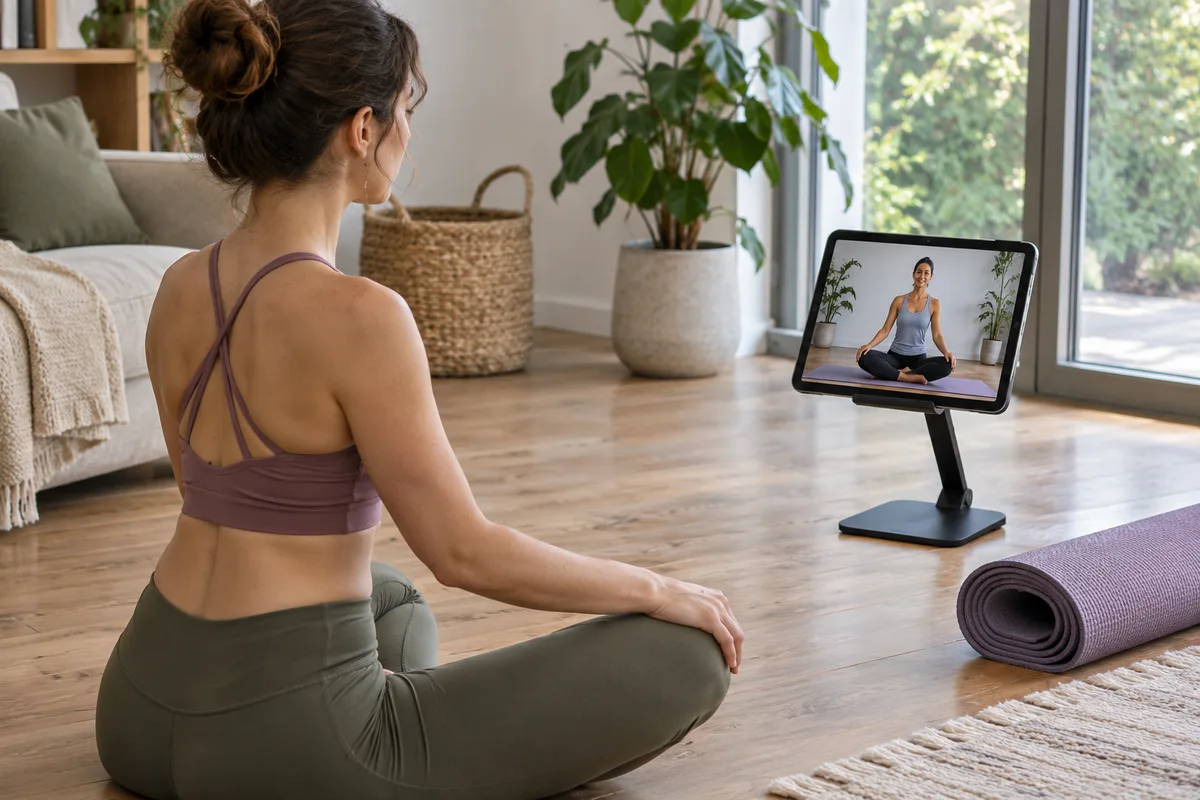
Use the phone, tablet or TV you plan to have near your mat. Place it outside the movement area on a stable surface. Open the app and look for a short beginner lesson without searching elsewhere for instructions. Note whether you had to know a style name before you could find a class. If the class label is broad, read the description and preview the first few minutes.
Check the opening and one transition
Watch the first instruction and a movement change in the middle. Can you hear the teacher clearly? Do you know when to stop or switch sides? Is an easier option described before you need to choose it? Pause and replay the cue. If the app lets you adjust the pace or instruction level, try that setting and listen to the same kind of cue again.
Try returning to the same class
Close the app after the preview and open it later. Find the session again using the path you would use on a busy day. If you have a poor connection, check whether the service lets you download a class and test it with your connection briefly turned off before relying on it. Check that any captions or audio you need are available in that mode.
Compare the subscription before paying

Read the checkout screen for the exact plan you are considering. Note what currency you are charged, the billing period, when a trial turns into a paid subscription and the renewal price. Check where cancellation takes place. A plan bought through an app store may be managed differently from one bought on the service's own website. If you plan to try more than one service, put each renewal date in your calendar.
Compare the total you would pay for the period you actually expect to use. If you only want to test a beginner series for a few weeks, check whether the monthly option lets you do that. If a plan bundles other workouts, decide which of those you expect to use. Count only the features that help you practice in your current space and schedule.
Keep a simple record
Write down the app, device, class name, length and any settings you changed. Record one cue that made sense and one point where you had to pause. Note how many steps it took to get back to the lesson the next day. If you are comparing two services, use similar practice windows and start with beginner lessons on both.
For example, imagine you find a seven-minute class in one app but miss the cue for standing up. In a second app you find a ten-minute class with a clear spoken exit. If both fit your schedule, the clearer cue may matter more than the three-minute difference. If the longer class makes you rush, try another short lesson before deciding.
Compare access before you compare libraries
Start with the device you actually bring into the room. If you usually use your phone, check whether you can see the class controls and hear a cue from the mat. If you plan to use a television, test the connection before the session. An app can be easy to browse at your desk and awkward to control from your practice area. Put the device where you can reach it after you stop moving. Check whether the screen stays on and whether notifications interrupt playback.
Make your first comparison in the same room
Use one room and one device for your first two previews. Put the screen and speaker in the same place. Then note where the experience changes. If you can hear an instructor in one app but lose a cue in another, check the voice and music controls before drawing a conclusion. A service may offer an audio mix or cue setting you did not notice when you opened the first lesson.
If you have only ten minutes, set aside a separate preview window. Spending most of a break choosing a video is a sign that your setup needs a shortcut. Save the next lesson in advance. The question for tomorrow is whether you can open that lesson easily and start without repeating today's search.
Make one accessibility feature part of the trial
Choose a feature you actually use. If you depend on captions, turn them on, preview a transition and see whether you can identify what happens next. If you need spoken cues, listen to the same passage from a comfortable position where you are not looking directly at the screen. Check the controls before class so you know how to stop and change the setting. An accessibility option is useful when it works in your specific lesson and on your device.
Keep your first decision reversible
After the preview, decide whether you want another class from the same provider. If the answer is yes, check the purchase terms and choose the commitment you are comfortable making. If the experience varies by teacher, preview another class within the same service. If the service consistently makes it hard to find your next lesson, move on to a different format. Your notes should explain the choice in plain language, such as “I could hear the transition and found the saved class in two taps.”
Questions and answers
Can I start with a free video?
Yes. A clear beginner video can give you a first session and a benchmark for deciding whether an app offers something useful. See the guide to choosing a beginner yoga video for a way to preview the cues.
Do I need a paid plan to get short classes?
Check what is available before subscribing. Some services offer samples or a trial. Open the specific beginner lesson you would use and confirm it is included in the plan or preview you selected.
What should I do if the class moves too fast?
Pause from a stable position, review the next cue and decide whether to continue. Choose a different recording if the lesson regularly changes positions before you understand the instructions.
Can a recorded app answer questions about my form?
Recorded lessons provide demonstrations and cues. If you want someone to observe your movement or answer questions, look for an interactive beginner lesson with time for feedback.
What should I check before canceling?
Check the renewal date and the billing channel shown on your receipt. Follow that channel's cancellation instructions and keep the confirmation. Check whether access ends immediately or at the end of the billing period.