
A beginner yoga course is worth considering if you want to know what to practice after the first lesson. Look for a course that shows its opening sequence, tells you what you need and explains which lesson comes next. If you have never taken yoga, look for a sample that teaches a starting position and a transition in ordinary language.
Preview the progression
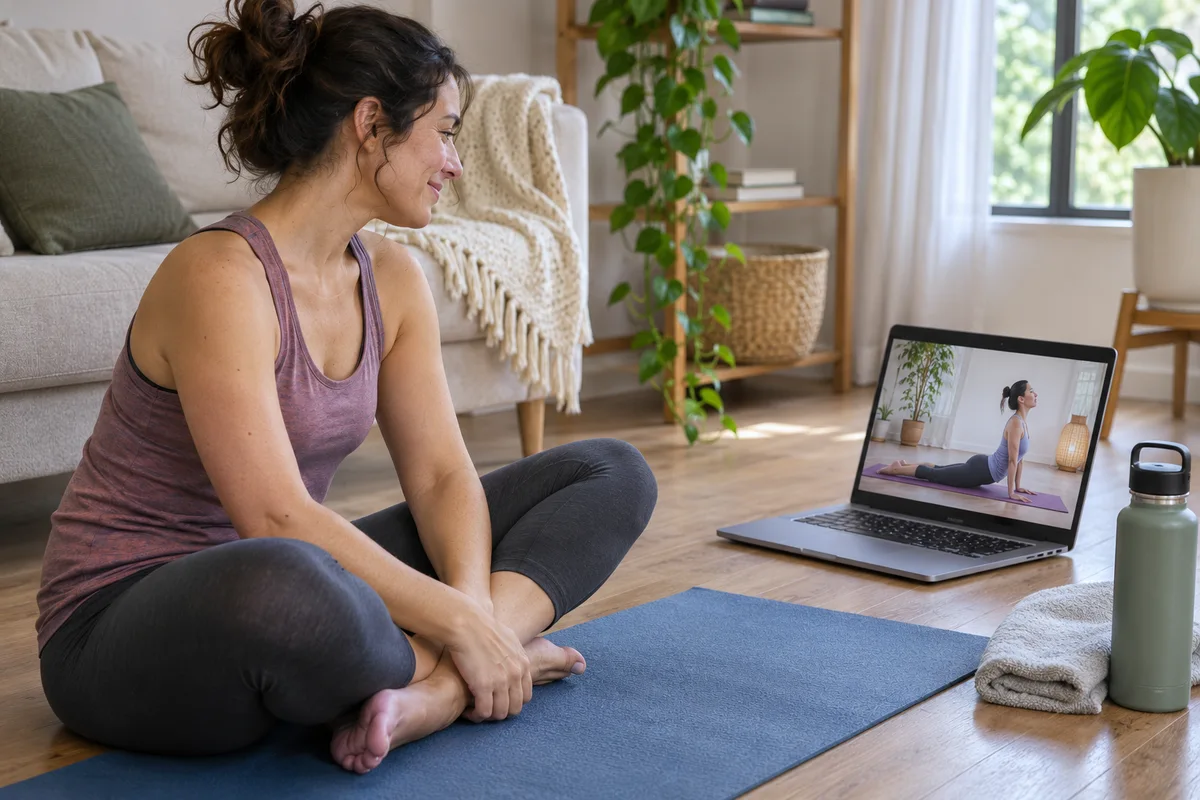
Open the syllabus and look at the first three sessions. Write down the job of each one. A first session might orient you to the instructor's cues, a second might repeat a few positions and a third might add a transition. A large list of videos is useful if you can see which one to open. If you cannot tell where a complete beginner starts, check the welcome lesson or ask the provider before paying.
| Check | What to look for in the course |
|---|---|
| First lesson | A clear starting position and instructions for taking a break |
| Second lesson | A chance to repeat something familiar or a clear explanation of what changes |
| Pace | Enough time to watch a movement and return to the starting position |
| Setup | Specific equipment and space requirements for the introductory lessons |
| Help | A clear way to ask a question and a description of who answers |
| Access | The length of access, download options and any account or device requirements |
Preview one full transition

Pick a passage where the instructor asks you to change position. See whether they show how to finish the first position before moving to the second. If you know you prefer to stay seated or avoid a floor transition, check whether the sample demonstrates a usable option. A syllabus can tell you what a course intends to teach. A sample can show you how the teaching works.
Compare the price to what you will use
Look at the purchase page for the full cost, billing period, trial eligibility and cancellation terms. Check whether the course is sold on its own or included in a subscription. If a course is downloadable, verify the process on the device you plan to use. Yoga With Adriene publishes separate help for accessing course downloads. Treat that as a place to check the process for a specific purchase.
Decide what you need after lesson one
People buy a beginner course for different reasons. One person wants to stop searching for a new recording every day. Another wants the same teacher to explain unfamiliar cues from one lesson to the next. A third wants a place to ask questions. Before you compare catalogs, write down the reason you are looking for a course. It will tell you whether to prioritize a clear lesson order, familiar instruction or a way to reach the teacher.
If you mainly want a sequence, check whether the course makes it obvious where to start and what to repeat. If you mainly want feedback, read how questions are handled. The ability to send a question may be limited to a particular plan or session. Ask who answers and when you should expect a response. If an answer would change whether you can continue, that detail matters more than the number of videos included.
Turn the syllabus into a sample week
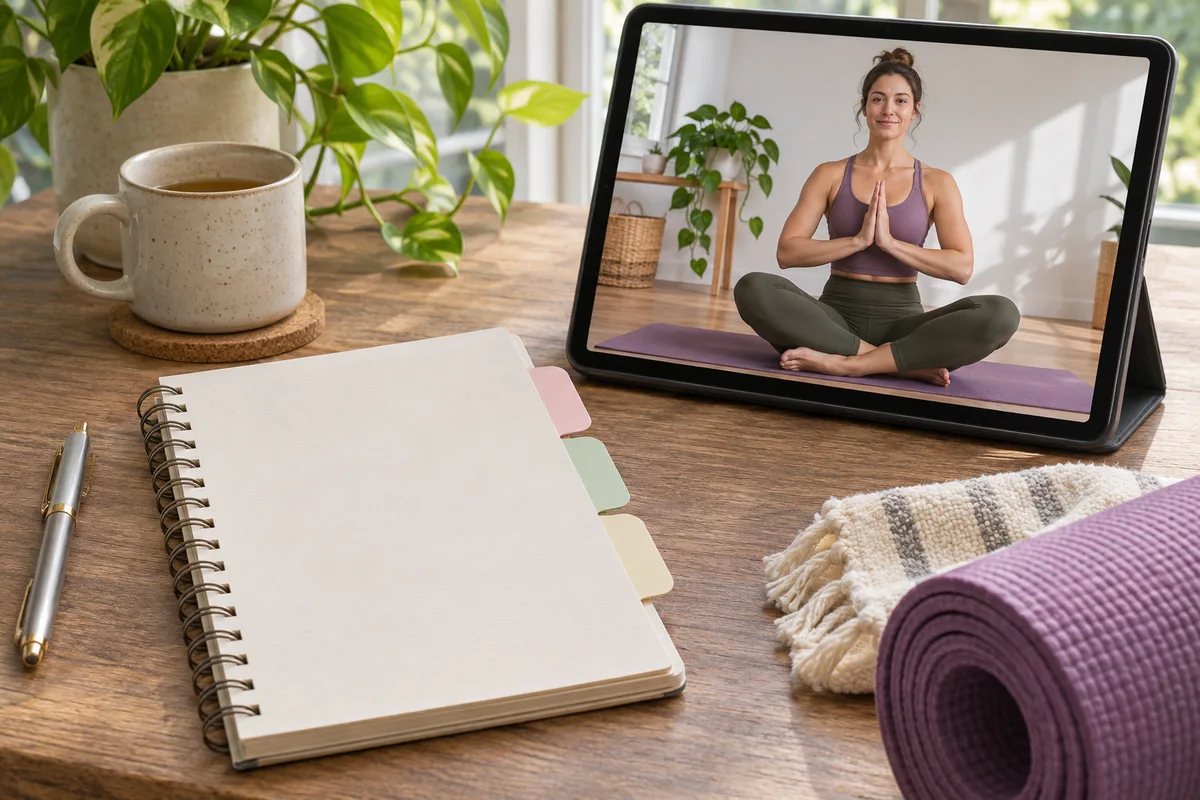
Write down three windows in your next week. Include the time it takes to clear a practice area and get the lesson ready. Put the first lesson in the longest window if you expect to spend time learning the setup. Put a repeat lesson in a shorter window if the course allows it. Leave the third slot available for the next lesson or for finishing a preview you did not get to earlier.
For example, suppose the welcome video takes a few minutes and the first practice takes twenty. If you have only twenty minutes after work, watch the welcome video earlier or choose another slot. If the first week contains three sessions of different lengths, you can decide which time fits each lesson. A course that shows the length and sequence before you begin makes this easier to plan.
Check what a repeat lesson actually repeats
An introductory course may teach a posture in one video and use it later with a shorter cue. Look for this progression in the preview. Write down one term you heard in the first lesson, then see whether the next lesson explains it again, demonstrates it or assumes you remember it. If the course provides a short practice library, check whether it is organized so you can revisit a confusing movement without replaying the whole class.
If you know you want more repetition, check whether you can move through the course at your own pace. A cohort may have a schedule you prefer, but it may also expect you to attend at a particular time. A self-paced course may offer flexibility while leaving it to you to decide when to return. Choose the structure you would realistically use.
Compare support, access and equipment
Know what happens when you have a question
Read the description of support carefully. An email address for account issues may not be the same as a place to ask about a cue. An instructor might offer a live question session that takes place at a different time from the recorded classes. Before paying, use the provider's public information to find out who answers, what kinds of questions they handle and whether you need to book or pay separately.
If a lesson uses a movement that you need to avoid, ask whether the course demonstrates a way to stay with the class without doing that movement. You can describe the practical issue, such as preferring to stay seated. If the support model cannot answer a question that determines whether you can participate, preview a different course.
Verify access on the device you will use
A course may stream from a browser, require an app or provide downloads. Check where you sign in and what happens if you change devices. If you practice with a weak connection, confirm whether downloads are available and what you need to open them. Make a note of when access ends and whether you can still open downloaded files afterward. The details can differ between offers from the same provider.
Make a short list of what the first week uses. Look for a mat, chair or other equipment specified by the instructor. Check where it will fit in your room. If you would need to buy equipment before trying the first lesson, include that in the cost of starting. If the sample uses something you already have, check whether later introductory lessons use the same setup.
Compare the full cost and terms
Write down the price for the specific offer you can purchase, whether the plan renews, and how to cancel if it does. Check the deadline for asking about a refund. If a trial only gives you access to certain videos, make sure it includes the lesson you want to preview. Save the confirmation of the price and access terms when you decide to buy.
When comparing a subscription with a course purchase, pick a time period you can explain. For example, compare what each costs during the first month if that is when you expect to try it. Include only the features you expect to use. If an offer has limited access, check how many weeks you have to finish and whether that fits the schedule you sketched.
Make a decision from what you saw
Write one sentence about how you would begin. “I would open the welcome video on Monday, then follow lesson one on Wednesday” is more useful than a general impression that the catalog looks extensive. Add the question you still need answered. If you can name the lesson, the time, the setup and what to do if you need to pause, you have enough information to decide whether the course fits.
If two courses look similar, use the same transition check in both sample lessons. Listen for the setup, the move and the return. Give the clearer explanation more weight if your main goal is to learn the cues. If the class itself is equally clear, compare how easily you can return to the lesson and whether you can ask the question you still have.
Keep a fallback for a busy week
Find out whether the course tells you what to do when you miss a lesson. A useful fallback can be to replay the last familiar session or continue the next day you have time. Check whether the course gives that flexibility and whether a missed session changes your access. A written plan can help you decide which lesson to open after a gap.
Questions and answers
Do I need a course for my first class?
You can preview and try one introductory lesson first. A course becomes useful when you want a sequence of lessons and can tell how it helps you progress from one to the next.
What if I miss the second day?
Check whether lessons are released on a schedule and whether you can repeat a session later. Choose a format that fits the time you actually have.
Can I ask an instructor for feedback?
Check the course terms. A set of recordings may have no direct feedback, while another course may offer questions through a discussion area or live session.