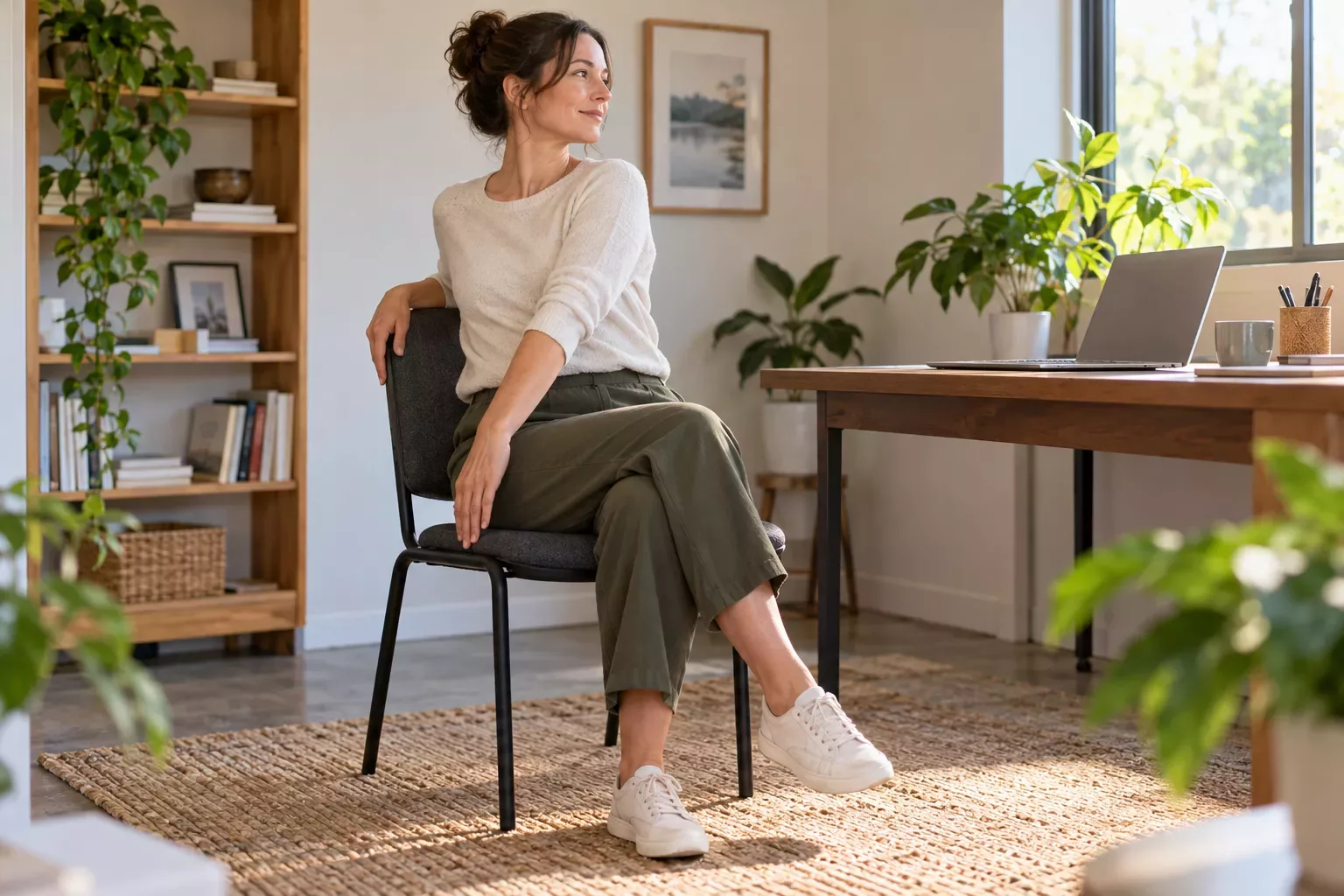
Following an online yoga class becomes frustrating when every instruction sends you searching for the screen. The solution is usually a mix of better placement, previewing unfamiliar movements, and choosing a teacher whose verbal cues make sense to you.
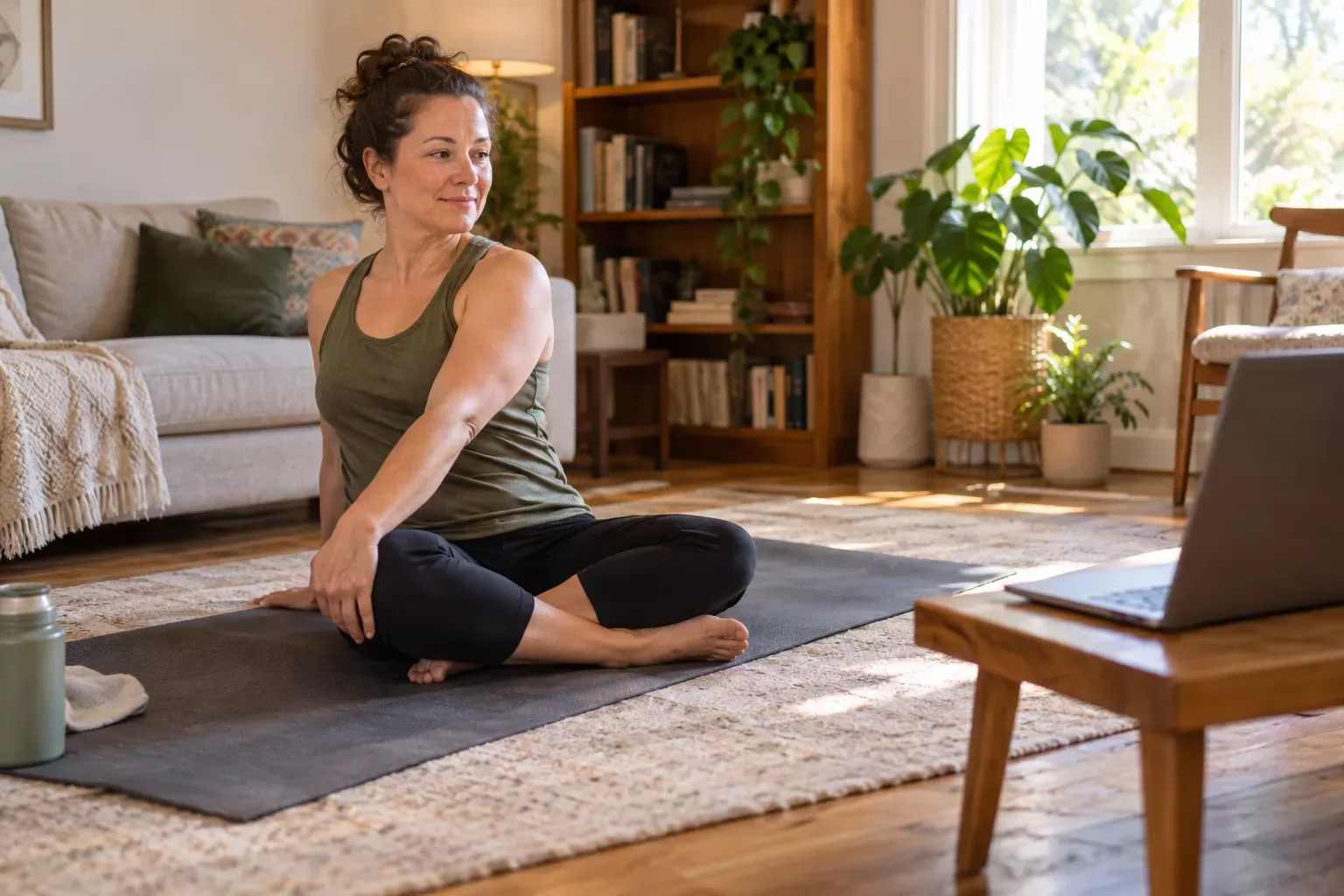
You do not need to memorize the class. You need a way to learn without holding an uncomfortable position while trying to watch someone else.
Set up the device from the positions you will use
Test the view while standing, seated, and near floor level if the class includes floor work. Place the device on a stable surface outside your movement area. Keep charging cords away from your feet.
A larger screen can be easier to see, but moving a laptop closer is not helpful if it creates an obstacle. Use the largest stable setup you already have that fits the room.
Learn the teacher's language before moving
Listen for how the teacher describes left and right, forward and back, and the starting position. Some teachers mirror the viewer; others use their own side. Watch a short section while sitting comfortably and work out the convention before the class begins.
If the teacher uses unfamiliar pose names, focus first on the plain-language setup. You can look up terminology separately. Learning vocabulary while balancing is an unnecessary complication.
Preview the transition, not just the pose
The difficult part may be getting into or out of a position. Watch that transition once, pause, and decide whether you understand it. If not, choose a simpler class or get individual instruction.
For example, a class might move from standing to the floor several times. Knowing the final floor position does not tell you whether those changes are appropriate for you. Check the whole pathway.
Give playback controls a job
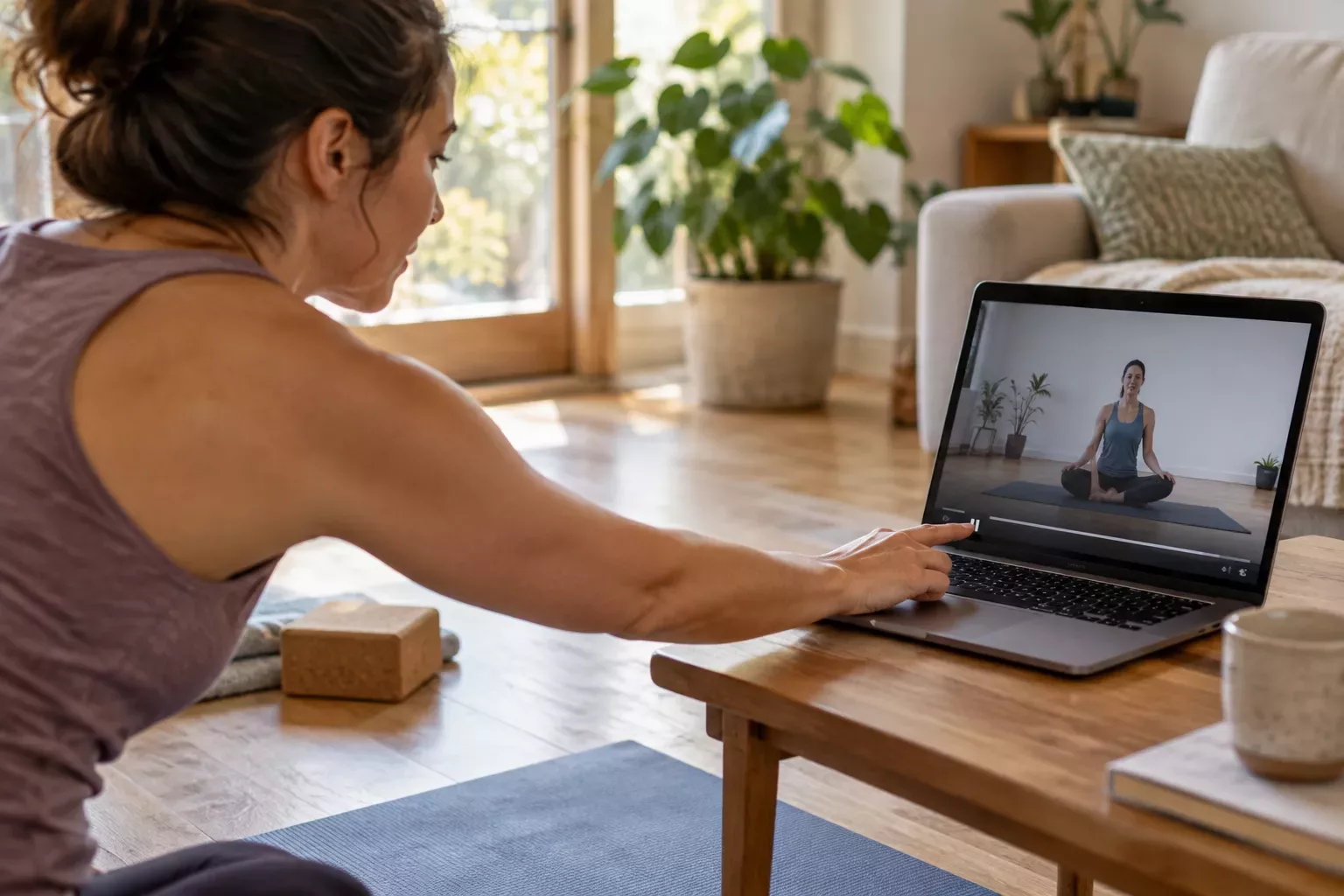
Use pause to learn. Use replay to clarify. Use volume to make cues audible without straining. Slowing playback can help with reviewing instructions, although it may make a guided breathing pace unsuitable; breathe normally rather than forcing your breath to match altered audio.
You can also stop moving and watch the next section. Rest in a comfortable position, learn what comes next, and rejoin only if it suits you.
Know when a recording cannot answer the question
A recording communicates in one direction. It can demonstrate a starting position and repeat a cue, but it cannot observe your movement, interpret a symptom, or decide whether a variation fits your circumstances. Replaying is useful when you missed an explanation; it does not turn general instruction into individual feedback.
Use a short question ladder. If you missed a word, pause and listen again while comfortable. If the route between positions is unclear, watch the whole transition before deciding whether to attempt it. If the question remains, ask a qualified instructor about the starting point, the transition, and how to rejoin the class. For a health-related restriction or concerning symptom, obtain appropriate individual advice instead of repeatedly testing the movement.
Describe the question concretely. A timestamp and "I cannot follow how the teacher moves from standing to the floor" are more useful than "I am bad at this." You can close the recording and return after clarification. Finishing a video is not proof that you understood the lesson or that its movements were appropriate.
Treat the first viewing as an orientation
Once you have chosen a suitable class, take a moment to understand how it communicates. Locate pause, replay, volume, and captions before moving. Check whether advertisements interrupt the lesson and whether your screen locks after a period without touch. These are ordinary playback issues, but solving them during a balance or floor transition divides your attention at an unhelpful moment.
Listen to the opening while seated or standing comfortably. Notice whether the teacher explains the whole movement before demonstrating or adds detail as the position develops. Recognizing the pattern helps you know when to watch first. You can observe an entire section without attempting it, then decide whether you understand enough to proceed.
Make a small vocabulary list
Write down unfamiliar words after the preview. Include directional phrases as well as pose names. A teacher may say the front of the room when they mean the front edge of their mat. Another may refer to the leg closest to the camera. Clarify those conventions while you are comfortable, rather than guessing during movement.
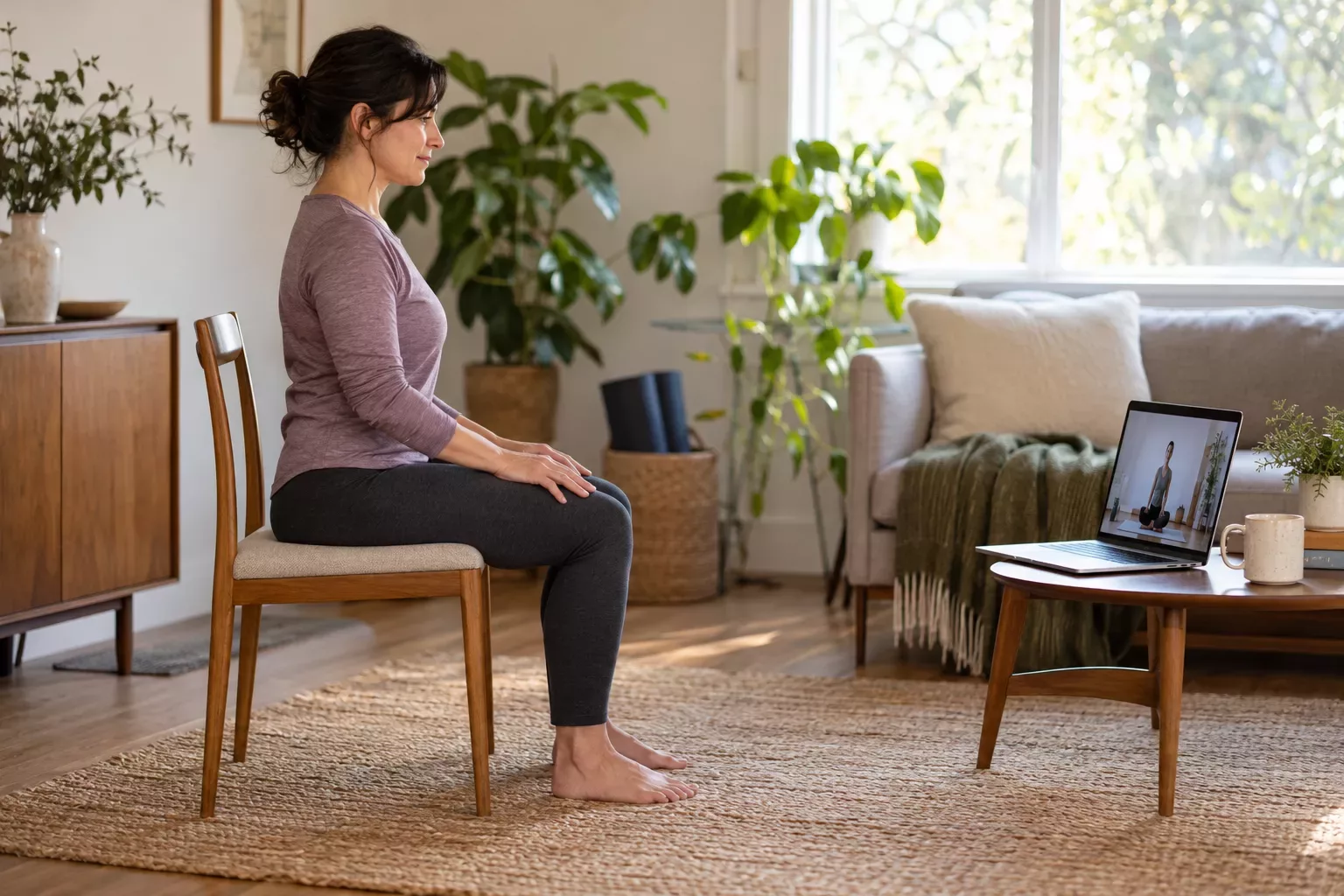
Limit the list to the few terms that actually blocked understanding. You do not need a glossary before practicing. The useful goal is to recognize this teacher's instructions for this lesson. If explanations remain unclear even after replaying, a different instructional format may be the better choice.
Separate watching from doing
Trying to copy a new sequence while watching every frame can create a cycle of looking away, losing the instruction, and hurrying to catch up. Break that cycle by assigning different jobs to different moments. First watch from a comfortable position. Next pause and consider the setup. Then practice only the part you understand, using suitable guidance.
This method may make a ten-minute recording take longer than ten minutes. Account for that in your schedule. The recorded runtime describes the media, not the time every beginner needs to learn from it. If your available window ends, close the session and resume another time rather than accelerating through the remaining movements.
Use a neutral checkpoint
Identify a comfortable position you can return to when you lose the sequence. It might be an ordinary seated or standing position appropriate for you. The checkpoint is not a compulsory yoga pose. Its job is to give you somewhere familiar to pause while you listen, assess, or stop.
Ask a teacher if you need help choosing that position or moving to it. A generic video cannot know whether a particular rest position suits you. Avoid assuming that kneeling or lying down is automatically comfortable simply because a class presents it as rest.
Check the screen in every relevant direction
A device visible from the start of the mat may disappear when you turn sideways or sit on the floor. Before the session, inspect the view from ordinary versions of the positions you expect to use. Move the device between sections if necessary, with playback stopped and your body in a stable position.
You do not need one magical angle that works for every class. A lesson with frequent changes of direction may require more previewing than a lesson that stays oriented the same way. If the class depends on continuous visual imitation, choosing a more verbally detailed recording can solve more than adding another screen.
| Playback obstacle | Practical adjustment | What to avoid |
|---|---|---|
| Device is behind you | Pause and relocate it outside the movement area | Twisting repeatedly to watch |
| Small text is unreadable | Read captions during preview | Leaning toward the screen while moving |
| Cue was missed | Return to a comfortable checkpoint and replay | Rushing to match the current frame |
| Audio is inconsistent | Test volume before beginning | Adjusting equipment in an unstable position |
| Class changes orientation | Watch the next section first | Guessing where the next step goes |
Work with left and right deliberately
Teachers may mirror the audience or name their own side. Follow the stated convention when it is clear, but do not make screen symmetry the entire task. If a simple introductory movement can be learned by observing first, use that option. If side-specific instructions are essential and confusing, pause and seek clarification.
Avoid inventing a universal rule such as always do the opposite of the teacher. Camera angle, editing, and teaching style can change what you see. A useful note might say this teacher mirrors standing demonstrations. That note belongs to the particular recording, and you should recheck when the format changes.
Record timestamps for learning questions
Instead of replaying the entire class to find a confusing moment, note a timestamp and a short question. For example: 4:20, which foot moves before turning? This is especially helpful if you later ask an instructor for guidance. It identifies an exact transition without requiring you to reproduce it from memory.
Keep questions descriptive. I lose track when the camera switches is actionable. I am bad at yoga is not an instruction problem anyone can solve. Clear notes also reveal whether the same playback issue recurs or whether the movement itself needs individual explanation.
A hypothetical second attempt
Imagine Daniel has selected a suitable seated beginner class. On his first attempt, he misses several cues because the tablet is below eye level and the teacher names movements before explaining them. He stops, finishes comfortably, and records two timestamps. He does not conclude that he needs a harder class or a longer session.
Before a second attempt, Daniel places the device securely where he can see it from his seat. He watches the two confusing passages without moving and learns what each phrase refers to. During playback, he still pauses once. In this fictional example, the useful improvement is better understanding, not a session completed without interruption.
If the second attempt remains confusing, he can change the lesson or ask for help. Repetition is useful only when the resource is suitable enough to learn from. It should not become a demand to endure unclear teaching until it somehow makes sense.
Know the differences in a live online class
A live session adds communication choices. Ask how questions are handled, whether you can leave your camera off, and whether individual feedback is available. Follow the instructor's camera guidance without placing your device where it obstructs movement. A camera view may leave parts of your body outside the frame, and the teacher may be watching several people.
Decide how to signal a problem before the class begins. If the platform has chat, understand that the teacher might not see it immediately. You can stop and leave the session whenever necessary. Participation in a live format does not remove your ability to make decisions about what fits your circumstances.
Continue learning
- How to Choose a Beginner Yoga Video You Can Actually Follow
- How Much Space Do You Need for Yoga at Home? A Small-Room Checklist
Questions and answers
Is pausing the recording a bad habit?
Pausing gives you time to understand and make decisions. It becomes useful when it serves a clear purpose, such as replaying a cue or moving the device. If you pause constantly because the class is unclear, consider a more introductory resource or individual instruction rather than eliminating pauses through effort alone.
Should I slow the whole video down?
Slower playback can help when you are watching an explanation. During guided movement, altered audio may create an odd pace, particularly for breathing cues. Use normal comfortable breathing and avoid forcing yourself to match distorted timing. Previewing a short section separately is often simpler than changing the entire class speed.
Do I need to memorize pose names?
You can begin by learning the plain-language instructions used in your chosen lesson. Names may become familiar through repetition, but knowing a word does not automatically teach the transition or make the movement appropriate. Ask for explanation when the name is the only instruction provided.
What should I do when I miss a side?
Pause in a comfortable position and review the relevant instruction. Do not automatically rush through extra repetitions to balance the recording. If you are uncertain about how to resume or whether a movement is suitable, leave that part out and clarify it with an instructor before your next attempt.
Are captions enough if I cannot hear clearly?
Captions may be useful for previewing, but reading them during movement can be difficult. Look for accessible teaching that lets you understand the setup without repeatedly straining to see text. An instructor experienced with your communication needs can help you choose a suitable format and way to ask questions.
When does repeating the class stop being useful?
Repeating helps when the lesson is appropriate and specific confusing points are becoming clearer. If the same transition remains inaccessible, or the class repeatedly asks you to improvise, change the learning approach. Better instruction or feedback may address the obstacle more directly than another full replay.