
The best starting video for you is one whose instructions, pace, positions, and duration fit your current needs. View counts and polished scenery cannot tell you whether a teacher will give you enough time to learn.
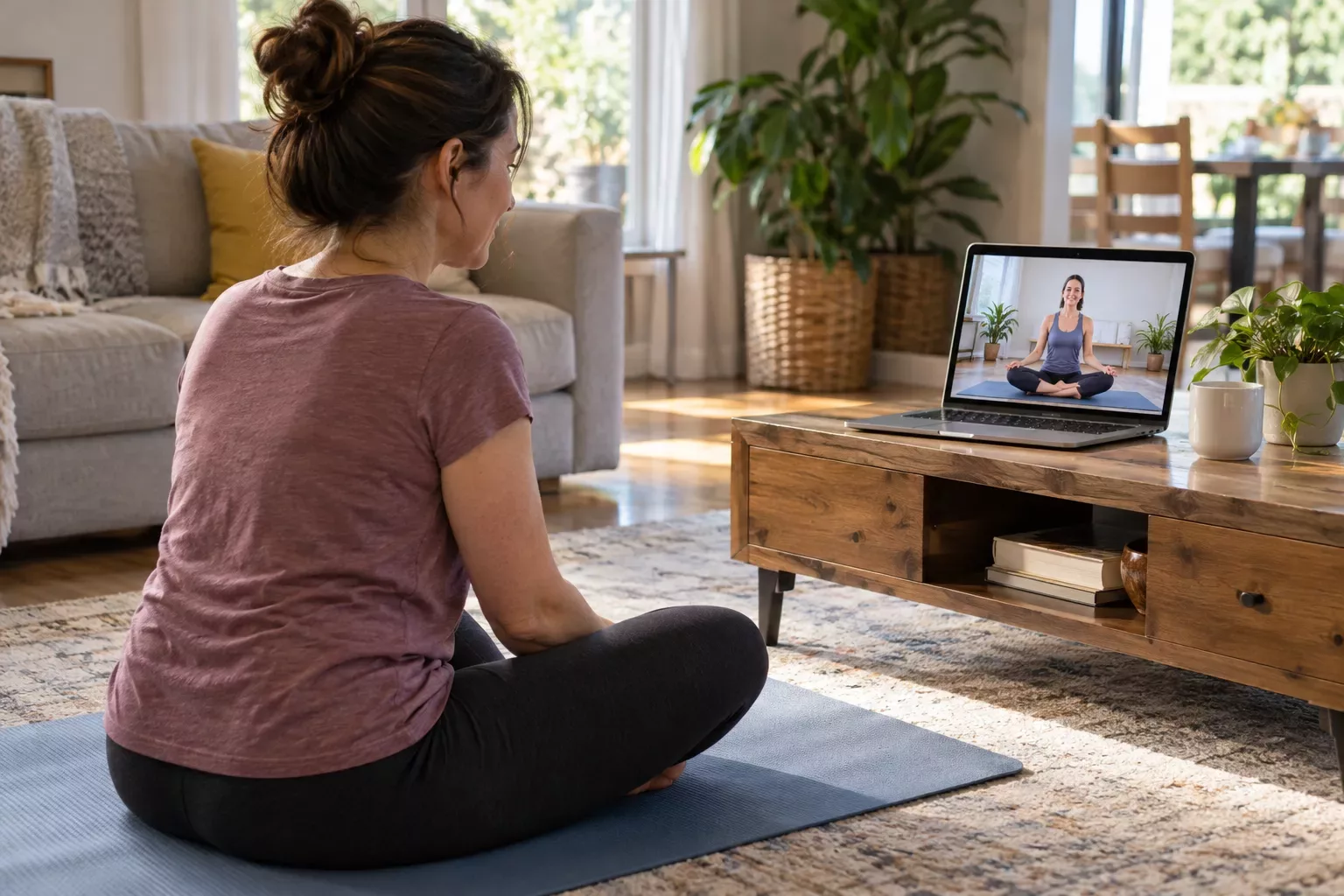
Choose one video deliberately, then repeat it before judging whether home yoga is for you. Constantly searching for a better class can become more work than practicing.
Read beyond “beginner”
Look for a description of the actual session. Does it include kneeling? Standing balance? Getting up from the floor? Are props required? Does the teacher explain alternatives?
“Gentle,” “slow,” and “beginner” describe different things. A slow class can still hold difficult positions. An energetic beginner class might explain transitions carefully but feel too demanding for the day you are having.
Preview three moments
Watch the opening instructions, a transition in the middle, and the ending. This gives you more useful information than the first thirty seconds alone.
At the opening, notice whether the teacher explains the setup. In the middle, check whether instructions arrive before or after the movement. At the end, see whether the class provides a manageable way to finish rather than abruptly cutting off.
Use a simple selection card
Before you press play, answer:
- Can I use the space and surface this class needs?
- Can I hear and understand the teacher?
- Are the required positions appropriate for me?
- Is there an option to rest or choose a different version?
- Can I comfortably stop at the planned time?
If you cannot answer an important question, preview more or choose another class. You do not owe a video a complete attempt.
Prefer instruction you can use without staring
Clear verbal cues matter at home. You should not have to hold an awkward position while repeatedly turning toward a screen. Captions can help when previewing, but may be difficult to read during floor work.
For a class with an unfamiliar transition, learn that part separately with suitable instruction. Pausing is a normal playback tool, not a sign that you are bad at yoga.
Repeat before you progress
Try the same suitable class several times if you enjoy it. Familiarity lets you spend less attention on the video controls and more on how the practice feels. Change the class when its demands no longer fit, not merely because a recommendation feed offers something newer.
A teacher's complete-beginner class is one example of a format to inspect. The link is a resource to evaluate, not a claim that one class fits every reader.
After a session, keep a short note: “clear instructions, floor transitions too frequent” or “pace works, try with screen higher.” That note gives your next choice a purpose. Build a small library of classes that suit you rather than an endless list of videos you feel obliged to finish.
Turn your needs into a search brief
Before opening a video platform, write down what the lesson must accommodate. Include your available time, whether you can use the floor, the space you have, and whether you want explanations of basic movements. This is a selection brief, not a list of personal shortcomings. A viewer who wants an entirely seated introduction needs a different result from someone looking for slow standing instruction, even when both are beginners.
Separate requirements from preferences. Clear speech and suitable positions may be requirements. Background music, a particular setting, or a favorite presentation style may be preferences. If an attractive video fails a requirement, keep looking. If an otherwise suitable lesson has an unremarkable background, you can still learn from it. This distinction helps prevent the recommendation feed from deciding what matters.
Search with practical descriptions
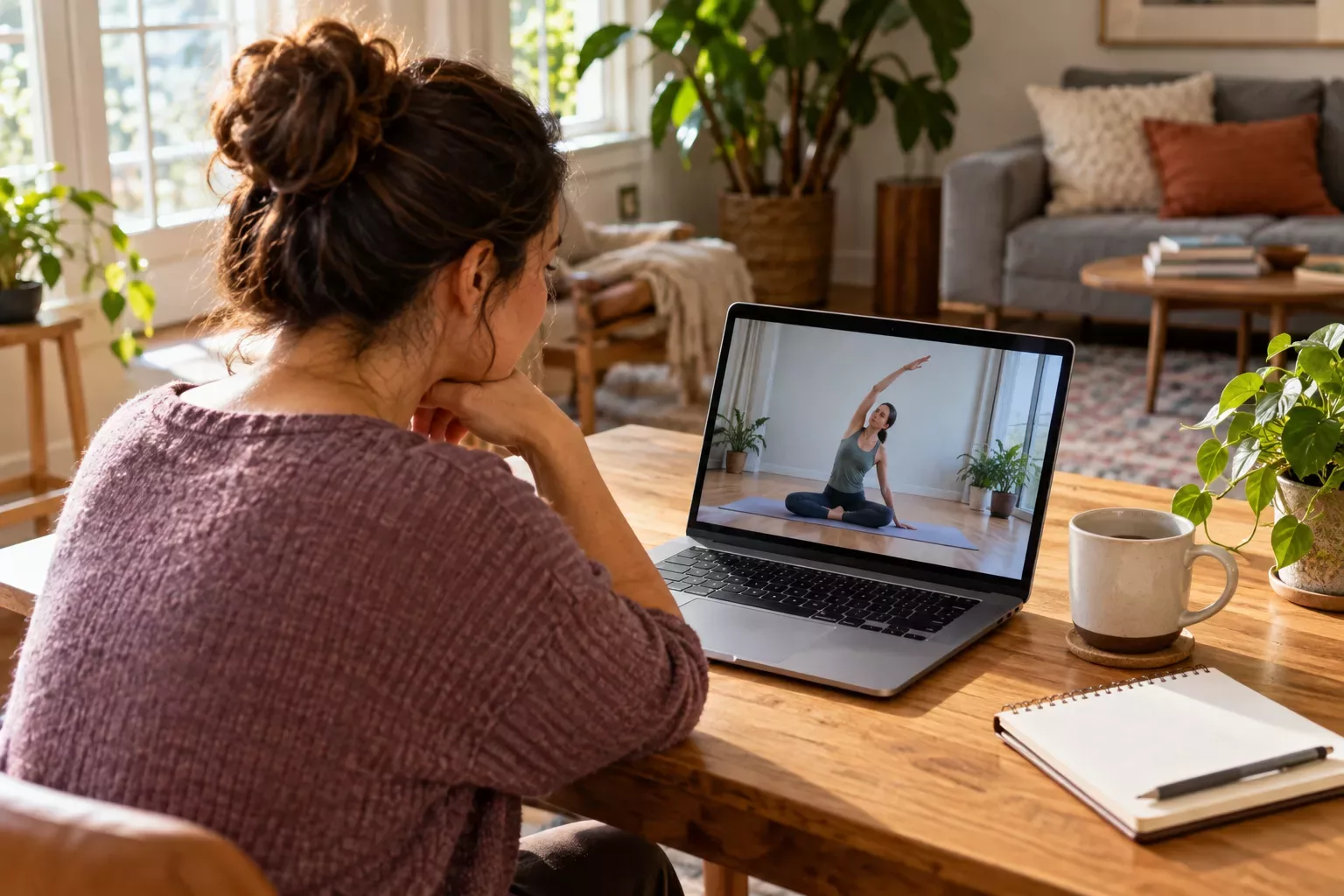
Try a phrase such as complete beginner yoga with no floor transitions or introductory seated yoga with detailed instructions. Specific descriptions are more useful than adding words such as best or perfect. Search results are leads to inspect, not a ranking of what is appropriate for your body. Save two plausible options and compare them before choosing one.
Check when and where the video is available. A free preview may end before the main lesson. A class may require an account or a sequence of earlier sessions. Find out before your practice window begins so access problems do not encourage you to rush into a different video at the last moment.
Read the description as a lesson plan
A useful description should help you anticipate the experience. Look for starting position, general pace, repeated transitions, and any assumed knowledge. If the description says only that the class will change your life, it has not answered the questions that matter for selection. Watch more of the actual instruction or choose a resource with clearer information.
Notice whether the teacher explains who the lesson is intended for. Complete beginners, people returning to practice, and experienced students wanting a lighter class are different audiences. A class described as gentle may still assume that viewers recognize pose names and can move independently between them. The title alone cannot establish that the teaching matches your starting point.
Distinguish optional demonstrations from required movements
During the preview, identify whether an advanced-looking demonstration is an optional variation or the foundation of the class. An occasional option you can skip is different from a sequence that repeatedly depends on movements you do not understand. If the basic route is unclear, do not plan to invent replacements during playback. Select a lesson whose main route you can evaluate.
Use a comparison table without pretending it is a safety score
A checklist organizes your observations; it cannot certify a class for you. Avoid giving videos numerical safety ratings based on thumbnails, likes, or production quality. Instead, record concrete details you can verify.
| Question | Useful evidence | Reason to keep searching |
|---|---|---|
| Are prerequisites clear? | Teacher identifies starting knowledge | Lesson assumes unexplained sequences |
| Is the pace teachable? | Instructions precede changes | Demonstration changes before cues finish |
| Are alternatives usable? | Options are shown and explained | Viewers are told only to modify |
| Does the room fit? | Movements stay within your clearance | Wide steps exceed it |
| Can you finish on time? | Ending and runtime are visible | Session extends beyond the stated lesson |
Review these details together. A short runtime does not compensate for confusing instruction. Excellent audio does not make an unsuitable movement appropriate. The table helps you reject mismatches early, leaving more attention for the videos that could genuinely work.
Look at how the teacher handles choice
Notice the teacher's language when viewers might need an alternative. Clear permission to pause is helpful, but look for practical explanation too. Does the teacher show a less complicated route? Can someone stay in a comfortable starting position while observing? Are transitions explained as carefully as the final shapes? Those details show how the lesson supports learning.
Be cautious with instructions that turn completion into a moral test. A video telling everyone to push past pain or never stop is a poor foundation for independent beginner practice. You should be able to make decisions without feeling that you have failed the teacher. Enthusiastic encouragement can coexist with room for individual judgment.
Verify credentials proportionately
An instructor's biography can tell you about training and teaching experience. Read it if available, especially when you need a particular format. Credentials do not establish that every recorded class fits every viewer, and popularity does not replace relevant instruction. For a health-related limitation, a general biography cannot answer an individual suitability question. Bring that question to an appropriate professional.
A hypothetical choice between three videos
Imagine Maya has a small living room and a twenty-minute opening before an afternoon appointment. She wants an introductory lesson and prefers to avoid repeated floor transitions. Video A has beautiful production and a beginner label, but the middle preview shows a fast sequence with several changes from standing to the floor. She removes it from her shortlist because it fails a requirement.
Video B is an entirely seated lesson, but its audio is hard for her to understand and the teacher relies on demonstration. Video C is a shorter standing introduction with clear verbal setup and a visible ending. Maya checks its actual movements against her room and chooses it for a trial. This fictional comparison illustrates a decision process; it does not establish that standing practice is appropriate for every beginner.
After trying the selected class, Maya records whether its preview accurately represented the session. If the class contains unexplained movements later on, she can change resources. Choosing carefully does not create an obligation to finish, repeat, or recommend the video.
Build a small library with clear roles
Name saved videos by the job they perform: introductory standing lesson, seated alternative, or detailed transition explanation. This is easier to use than a playlist of vaguely promising titles. Keep the link, actual runtime, and one useful note together. You can then choose according to the day without reviewing an entire search history.
Remove resources that you repeatedly avoid for the same unresolved reason. Saving a video does not make it part of your routine. Reassess when your room, schedule, or needs change. The aim is a few trustworthy options you understand, not a collection large enough to become another task.
Continue learning
- How to Follow an Online Yoga Class Without Constantly Looking at the Screen
- What Type of Yoga Should a Beginner Try at Home?
Questions and answers
Is the most popular beginner video usually the best choice?
Popularity tells you that many people watched or engaged with the video. It does not reveal whether its pace, positions, or teaching language fit your needs. Use it as a possible search result, then inspect the lesson itself. Your selection brief should carry more weight than the view count.
Should I choose the shortest video first?
Choose a video that fits your whole available window and teaches clearly. A very short class may move quickly because it assumes familiarity. A longer instructional lesson may allow more explanation. Runtime is one requirement to check alongside transitions, prerequisites, and the time you need to set up.
Does all levels mean complete beginners can follow?
It can mean different things to different teachers. Some provide detailed foundational options; others expect viewers to recognize a sequence immediately. Preview the basic route and listen for explanations. If the beginner option exists only in the description and is not taught clearly, choose a more explicit introduction.
Can I judge suitability from the comments?
Comments may point out audio issues, unexpected positions, or a misleading runtime. They cannot determine your individual movement needs. Use them to identify something worth checking in the video, rather than treating another person's positive experience as an assessment of what will work for you.
What if two suitable videos look equally good?
Pick one for a small trial and save the other as an alternative. You do not need a permanent winner. Observe whether you could understand the instruction and use the offered choices. A practical experience with one reasonable selection is more informative than another hour of comparison.
When should I seek help instead of searching again?
If you cannot tell which movements or adaptations fit a health condition, injury, or persistent difficulty, individual guidance is more useful than increasingly specific search terms. A video can demonstrate a lesson, but it cannot assess your circumstances or answer a question about your movement in real time.